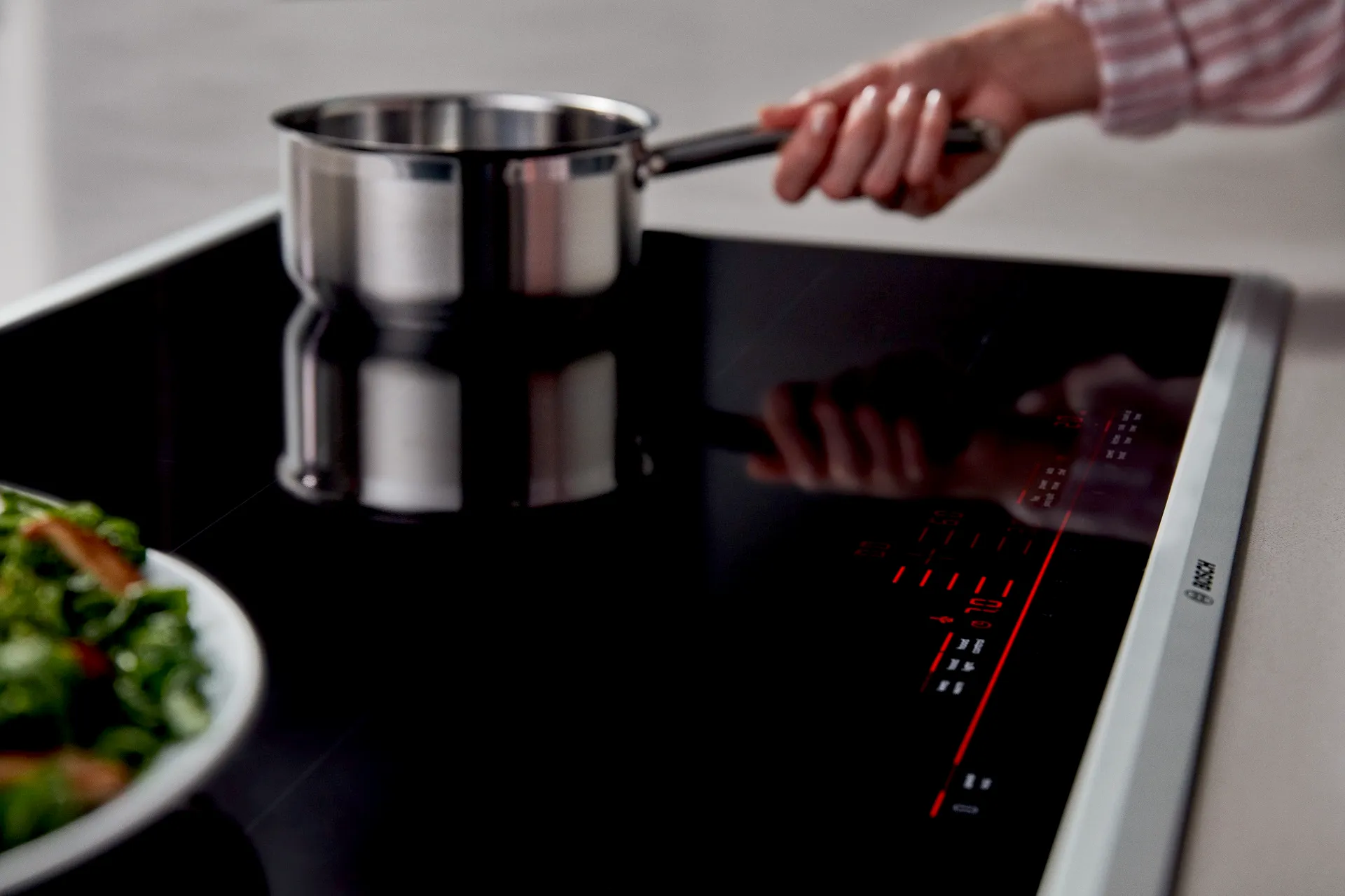

Bosch AutoChef®
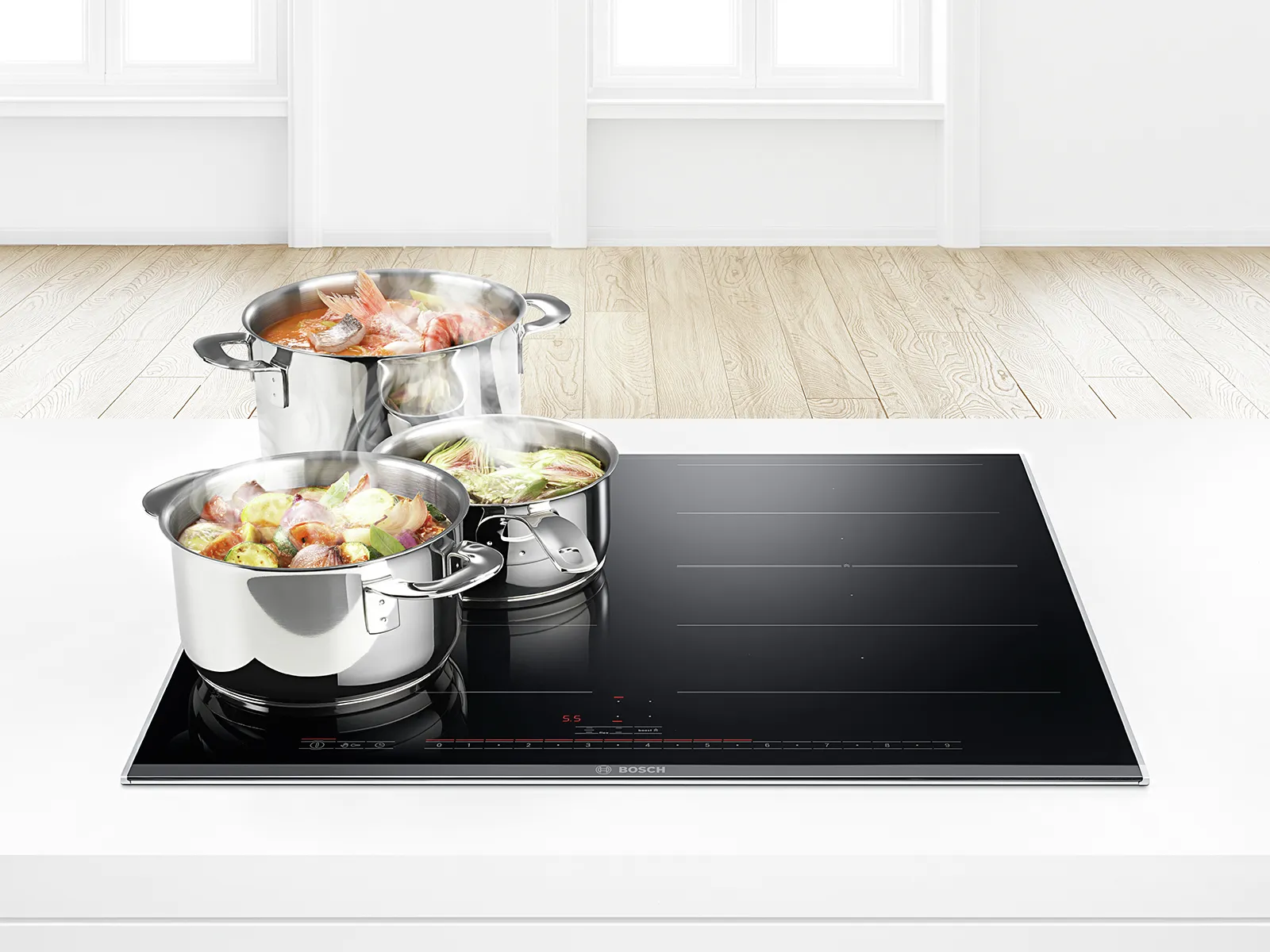
How to Activate AutoChef®
Follow the step-by-step instructions below to learn how to activate the AutoChef® feature.
1. Turn on the cooktop.
2. Place the cookware on the cooktop and select the cooking zone where the cookware is.
3. Touch the AutoChef® key.
4. Within the next 10 seconds, select the desired frying level on the control panel.
5. The AutoChef® feature is now activated.
6. The temperature symbol will continue to flash until it reaches the appropriate temperature.
7. Once it reaches the selected frying level, you will hear a beep and the temperature symbol will disappear. You can now add oil and food to the pan.
Click link below to watch a tutorial for activating the AutoChef® feature. Your cooktop’s panel may look different depending on what model you have.
Click link below to see a chart that lists which frying level is ideal for cooking various foods with the AutoChef® feature.
Contact Bosch Customer Support for assistance at 1-800-944-2904.