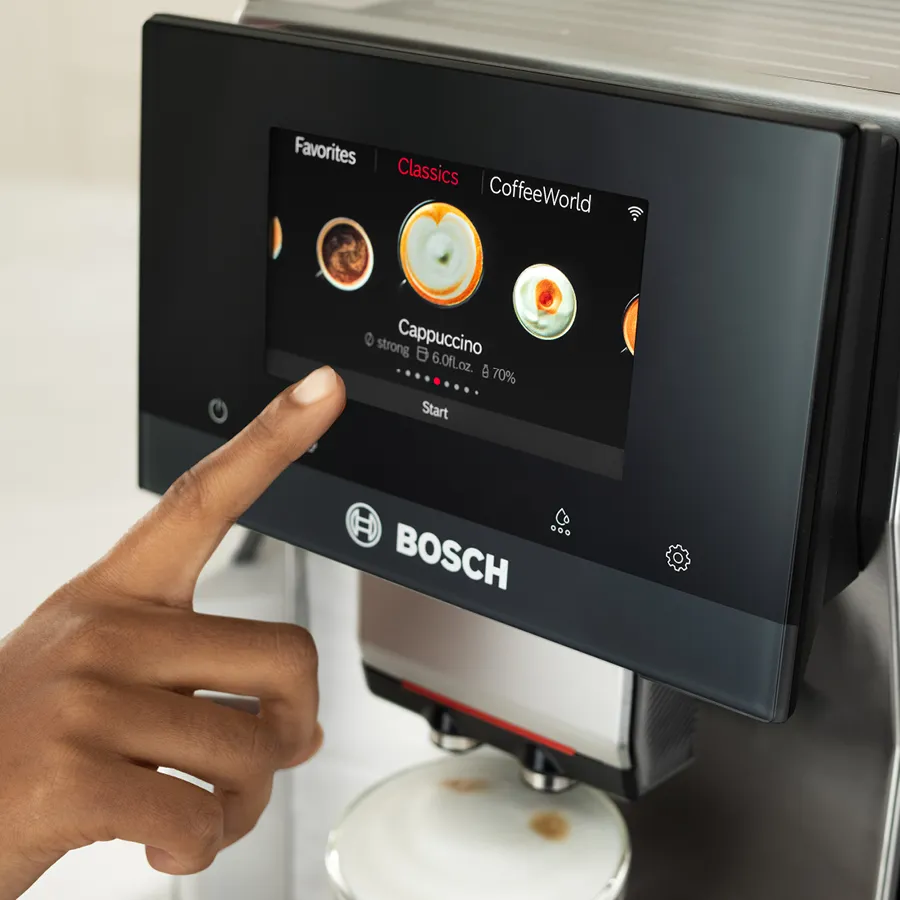

Get Connected Using the Home Connect® App (800 Series)
If your espresso machine is network-compatible, download the Home Connect® app and register your appliance to control certain functions, adjust basic settings, and monitor operating status.
First, download the Home Connect® app. Then, head to the settings on your 800 Series Countertop Espresso Machine and select Home Connect. Follow the directions on your espresso machine’s display to access a QR code for easy pairing and registration.
Need assistance? Contact Bosch Customer Support for tips and troubleshooting at 1-800-701-5231.