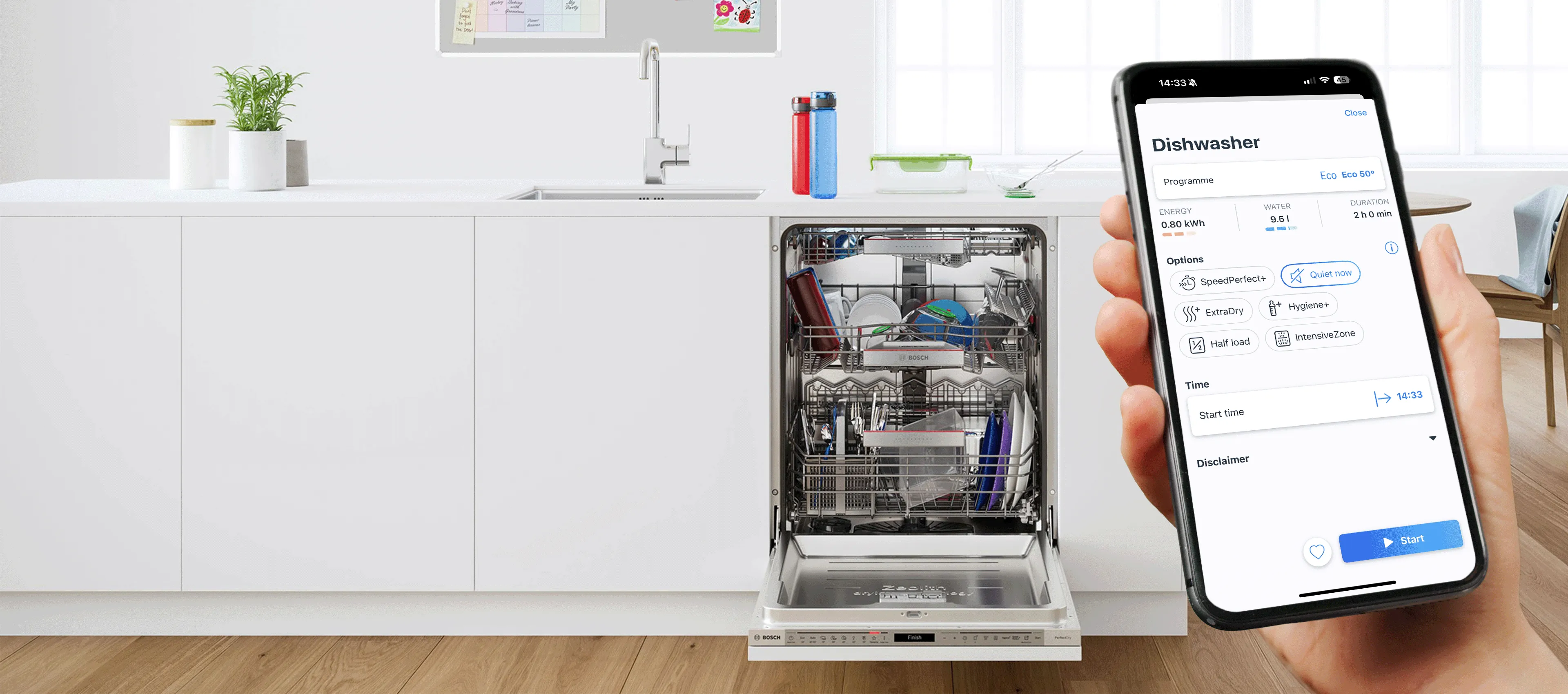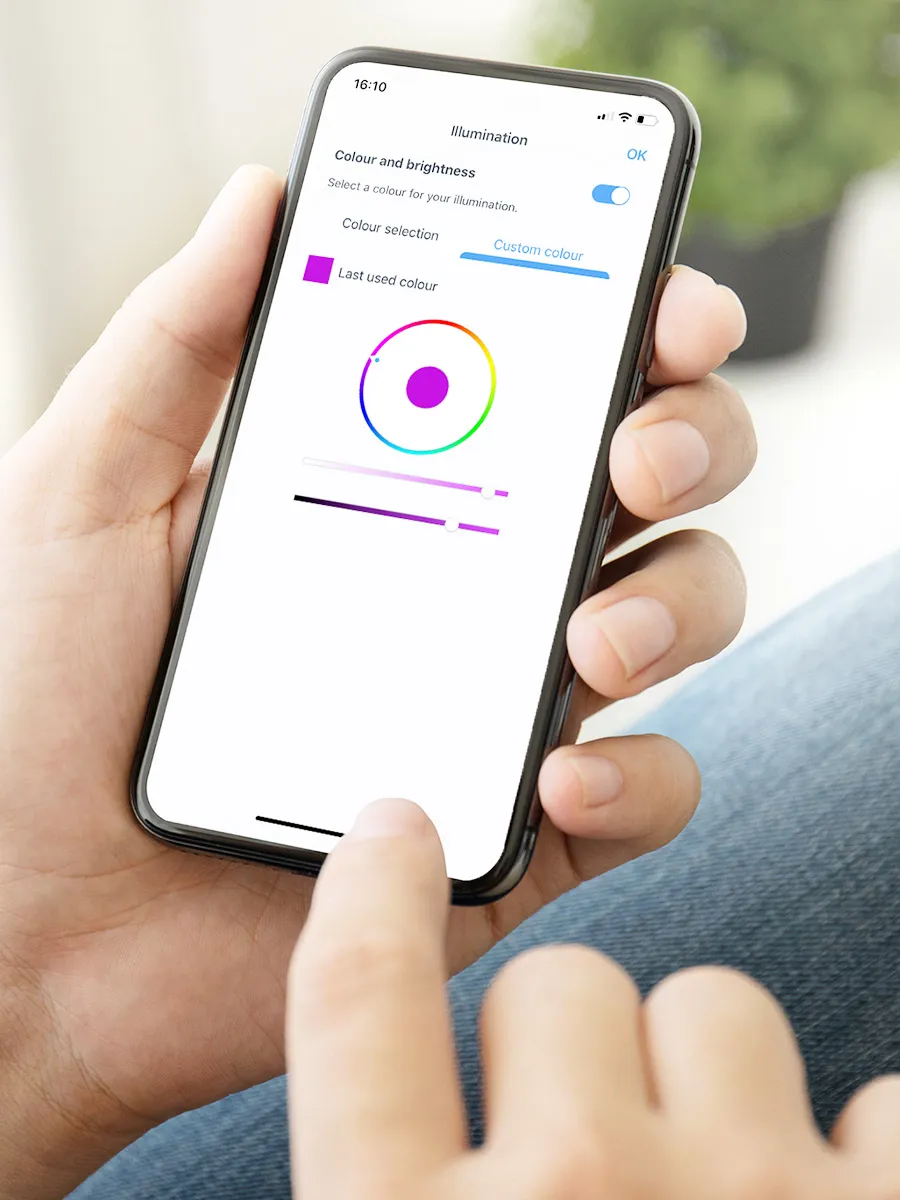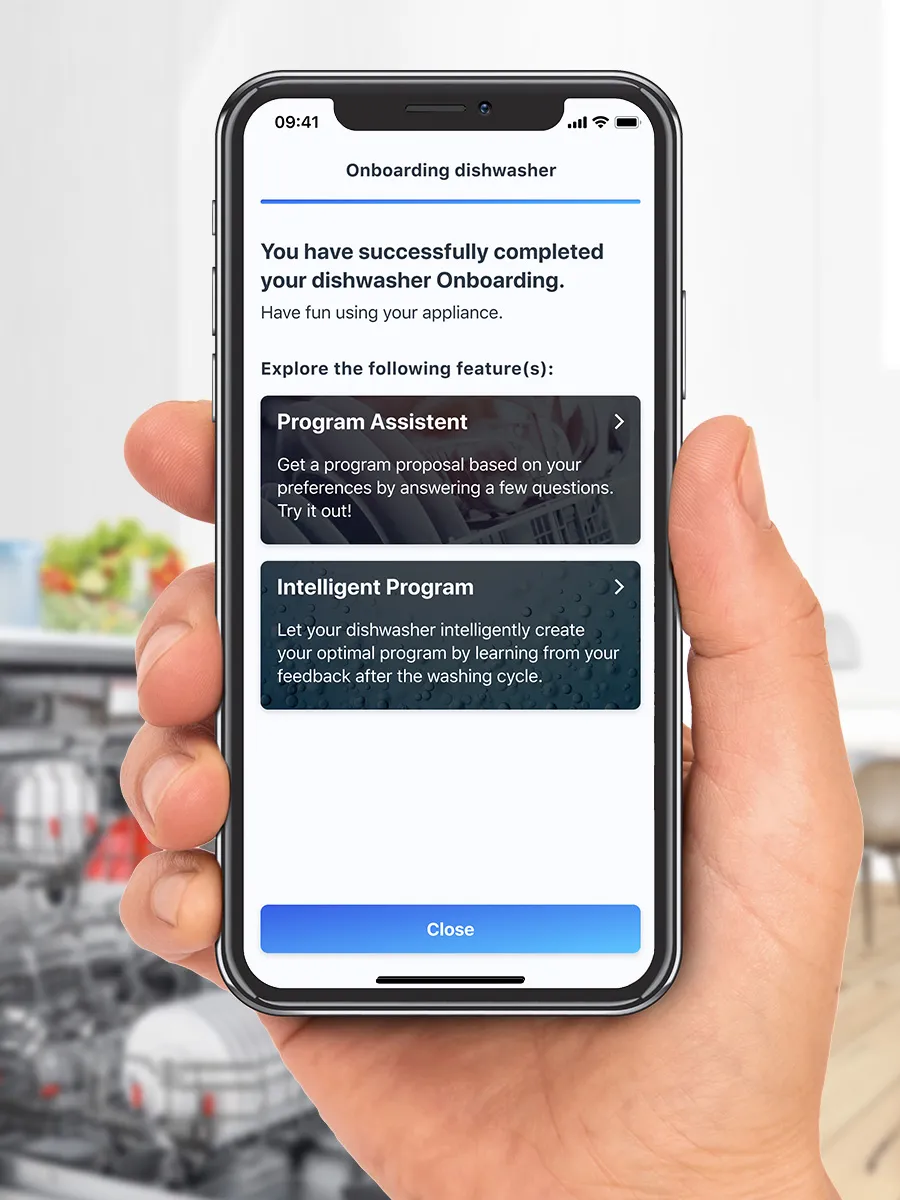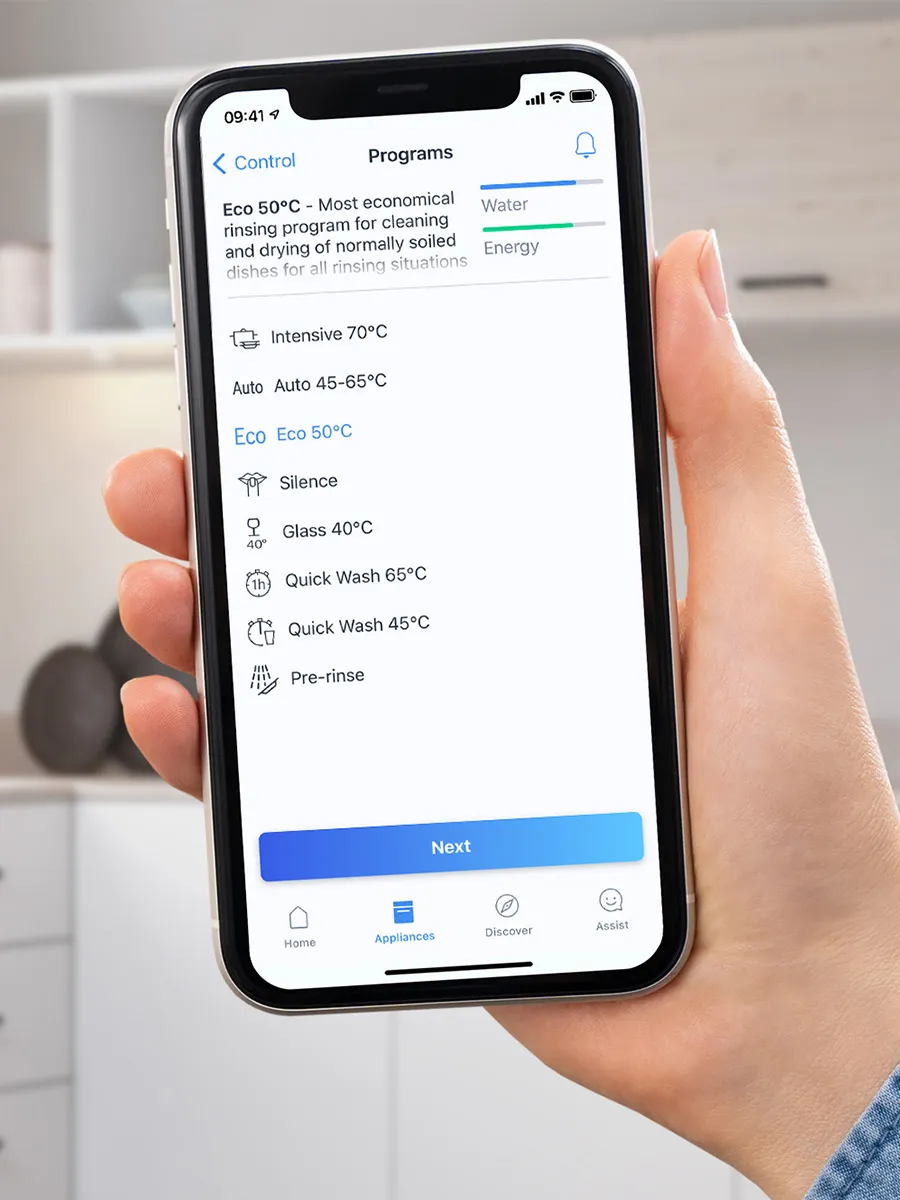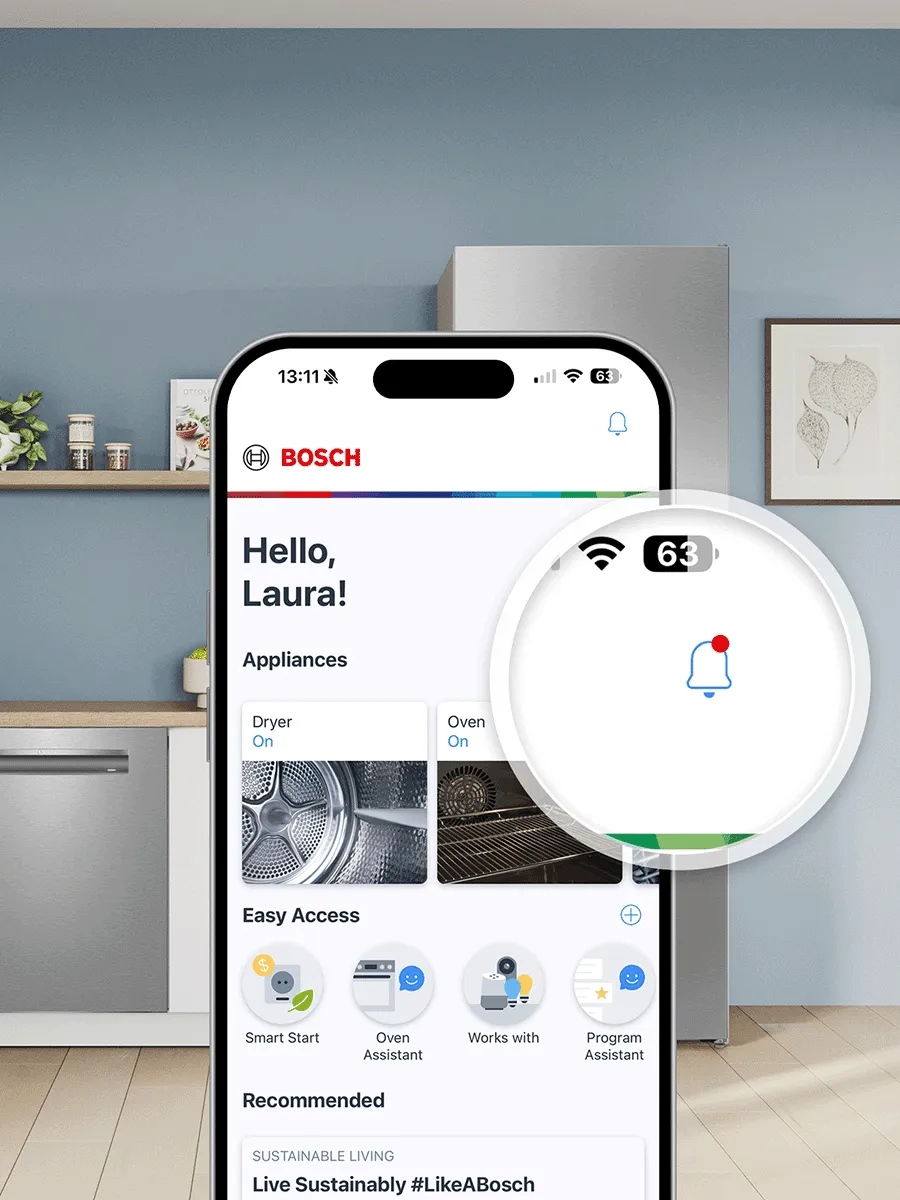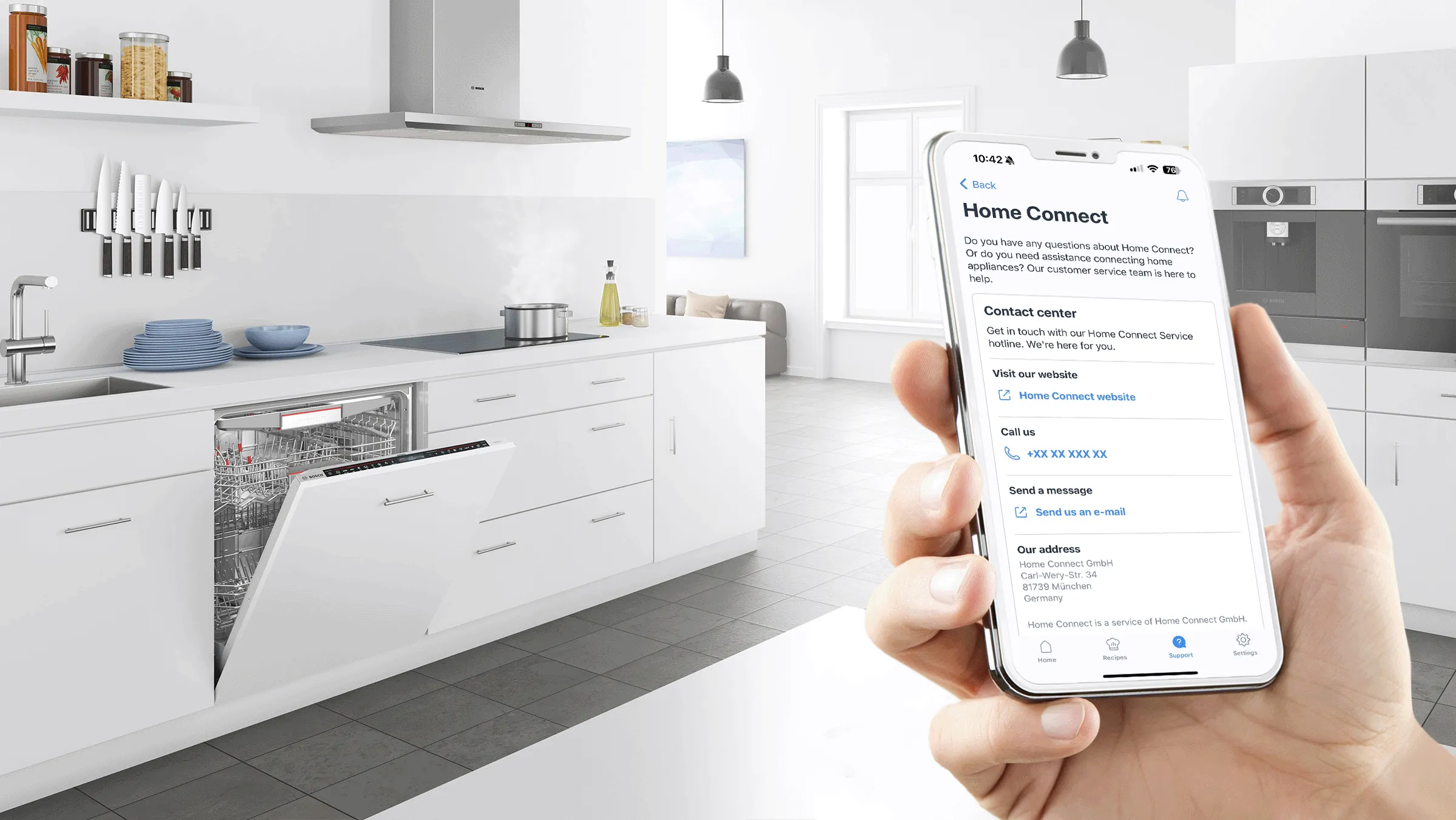

Smart dishwashing with Home Connect – functions at a glance:
Simple to set up, simple to use.
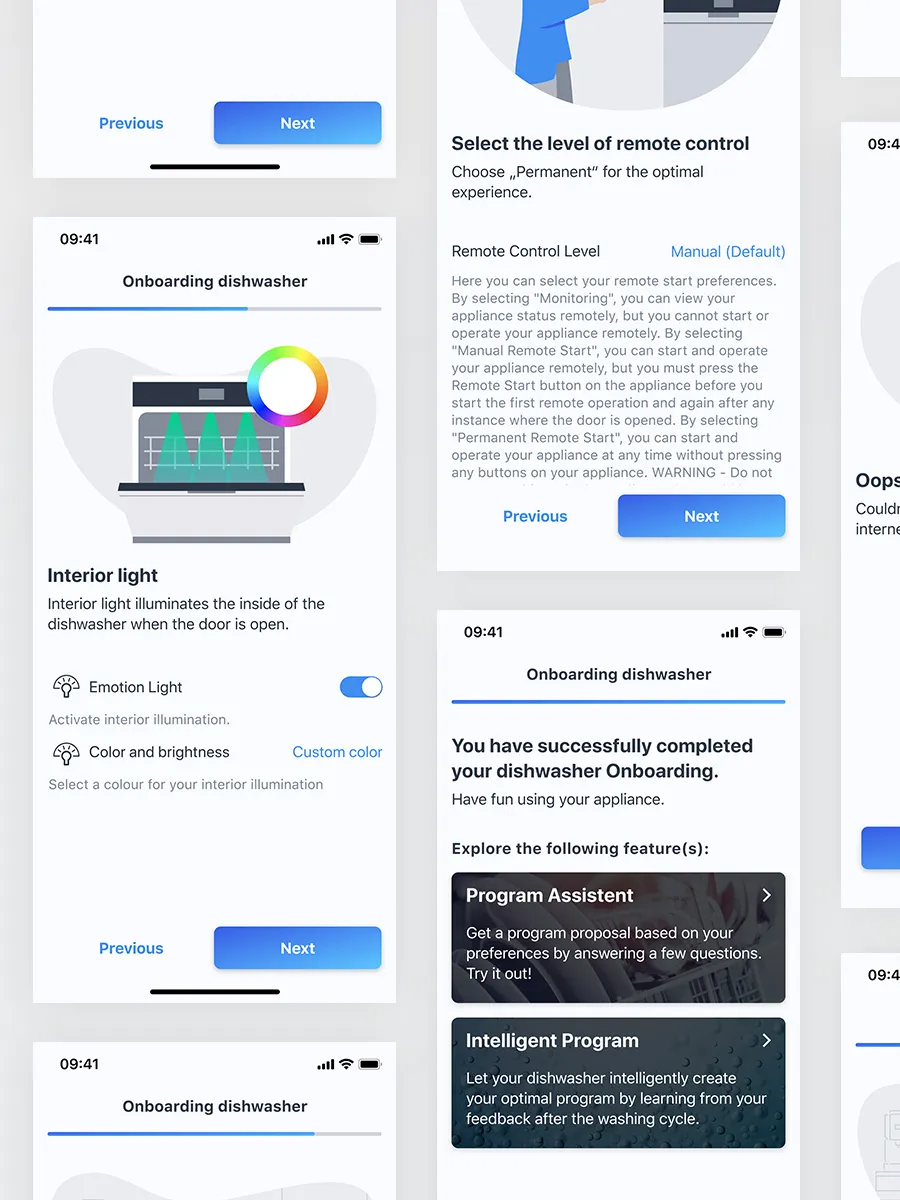
At Bosch, we believe smart should be simple. So getting your appliance connected is as easy as one-two-three:
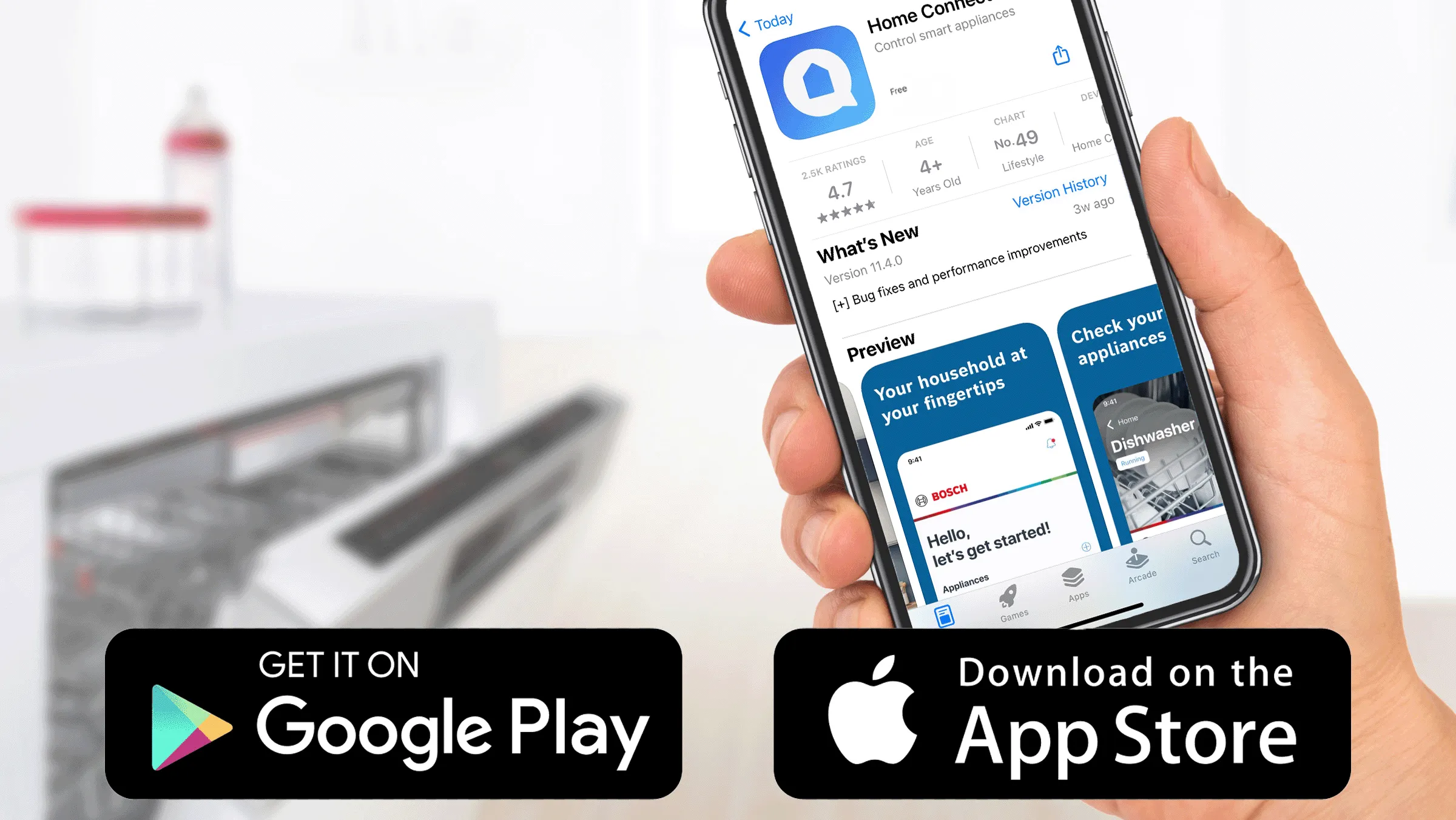
1. Download the Home Connect app from the Apple App Store or Google Play Store
2. Scan the QR code on the appliance or in the user manual. If you need help finding your QR-Code, click here .
3. Follow in-app instructions.
Watch and learn: Your video guide to pairing with Home Connect.
Give the planet your vote, go remote.
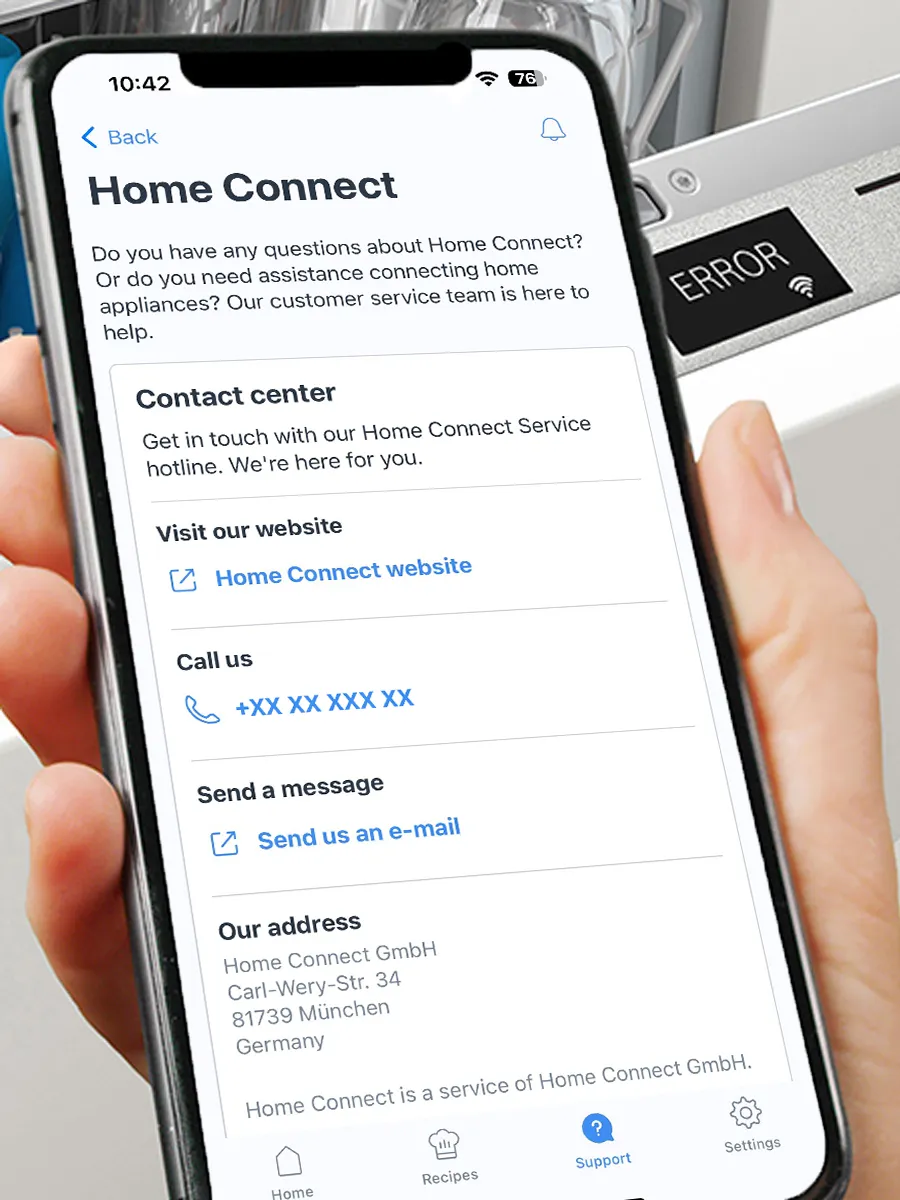
With remote diagnostics, you can say yes please to expertise and no thanks to unnecessary callouts. Our technicians connect to your machine from our offices and often resolve the problem there and then. If an onsite repair is required, they can be sure to take the right parts with them. That saves time and resources.
To contact customer service, call 0344 892 8979 .
You can reach our team at the following times:
- Monday to Friday: 8:00 to 20:00
- Saturday: 9:00 to 17:00
Well prepared is halfway to repaired.
You can help our customer service to help you faster by doing a few things before calling:
- Verify your appliance supports remote diagnostics and is paired with the Home Connect app.
- Double check that your appliance is plugged in.
- Make sure you have a Wi-Fi connection during your call.
- Have the product's E-Number at hand.
Pro tip : To find your paired appliance’s E-number, go to "Product details" in the Home Connect app. There you can also check if your product is compatible with remote diagnostics.