
BOSCH logoHome Appliances
13075936_RAP_Home_Connect_Launch_2020_Content_Pieces_LwB_Fresh_Reads_2_Stage

Simple Setup for Bosch Home Connect: Easy & Seamless Integration

Simple to set up, simple to use.

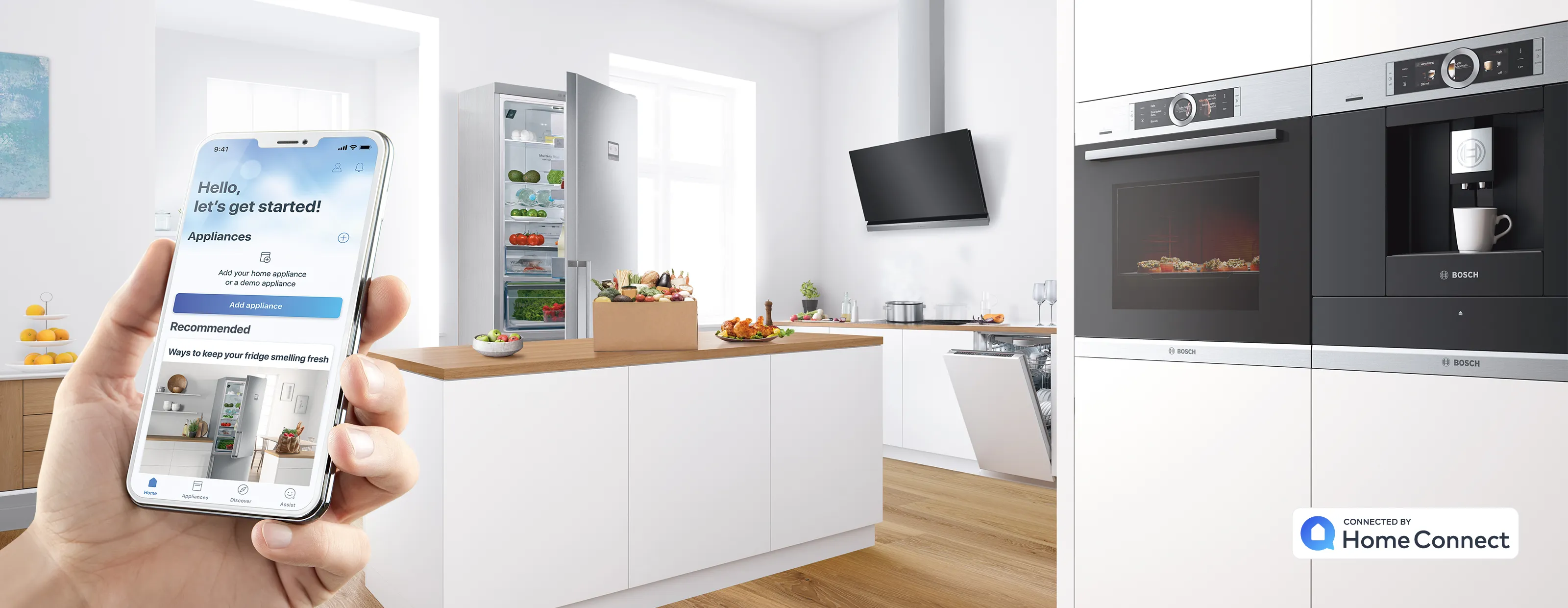
From setting up your appliance how you want it, letting the appliance help you achieve the best results to useful reminders, tips and recipes. Home Connect takes all the benefits of using our appliances and makes them even more useful in practical and helpful way. What's more you can do this from the comfort of your sofa or whilst on the move. And when your hands are full, thanks to our partnerships with Amazon Alexa and Google Assistant you can tell your appliances what to do or just ask for assistance. Try it for yourself...
17141487_Home_Connect_App_Download_Bosch_Teaser
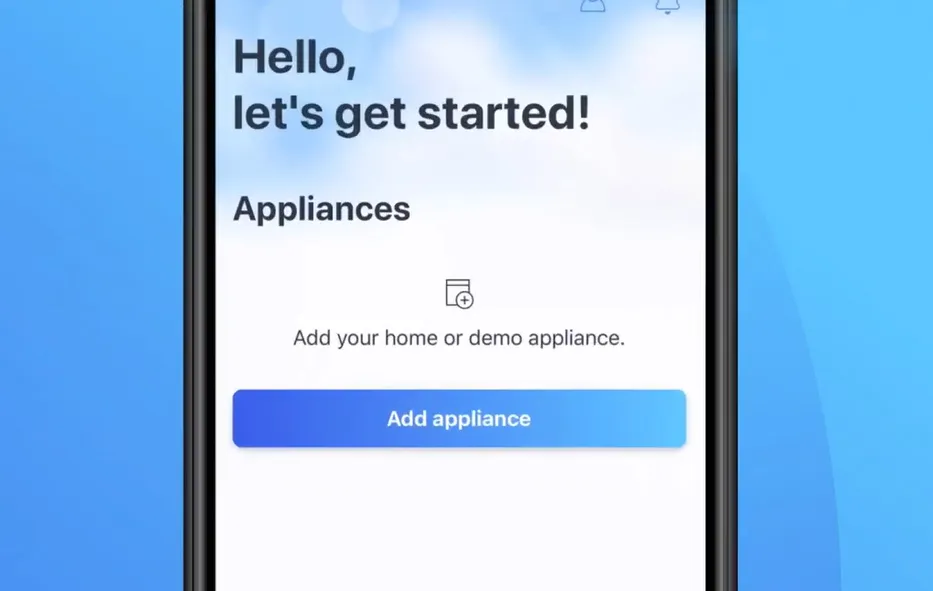
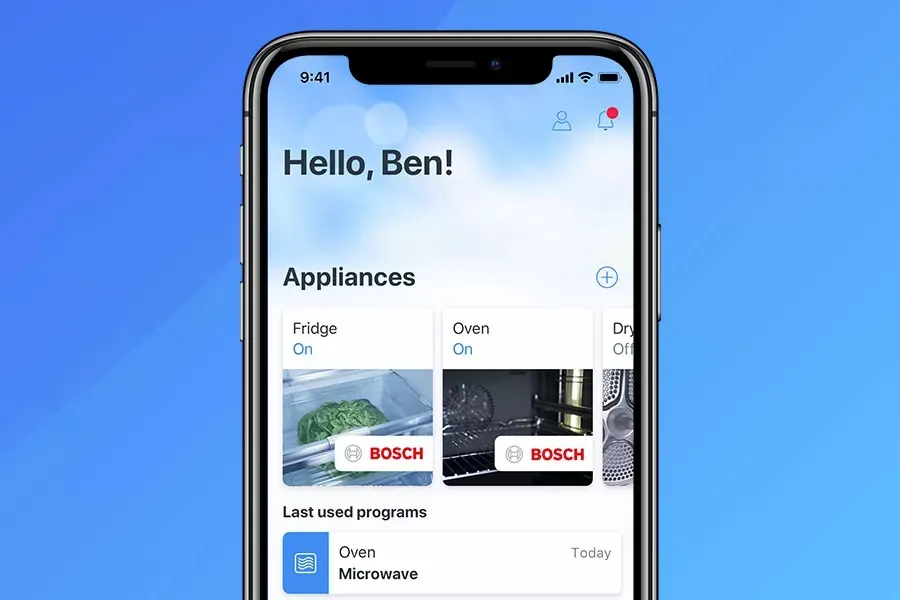
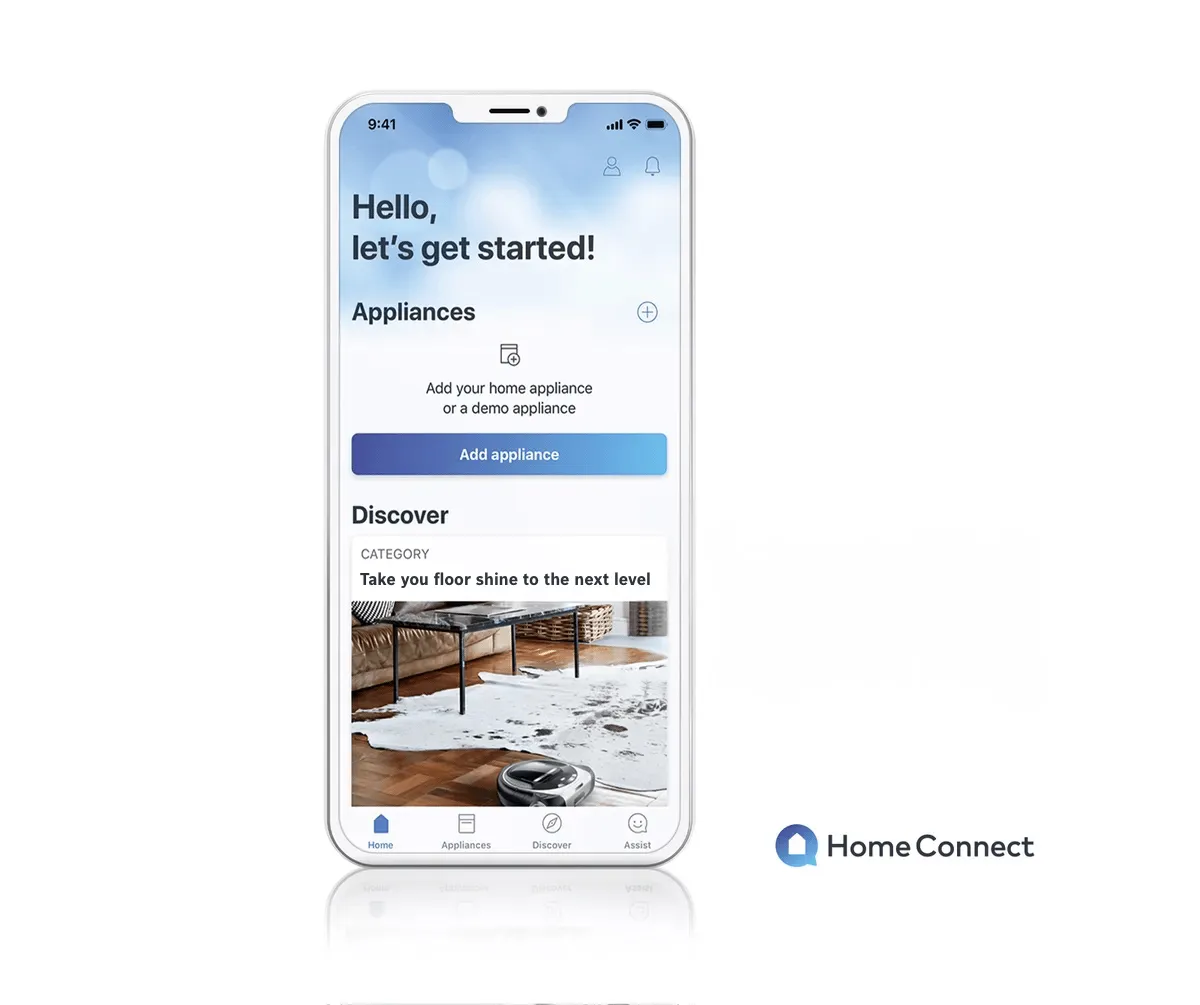
Step 1 – Download the Home Connect App.You can control the important functions of your home appliances with just one app, even when you're out and about. Try the app now, even if you don't have any appliances yet you can see what Home Connect can do for you using demo appliances– there's no need to have Home Connect appliances already.App for iPhone
16135904_Home_Connect_Pairing_Holding_Image
Step 2 – Watch the Home Connect pairing video.There’s no need to worry if you’re not a technical genius. We’ve made sure Home Connect is simple and straightforward to set up. However, we’ve even made a video that will explain the pairing process and show you just how easy it really is to get started.
17157417_HomeConnect_add_appliancev2
Step 3 – Add & pair your appliance in the app.Now you're a Home Connect pairing expert! Get your appliance up and running in just a couple of minutes, just add your appliance in the app and scan the printed QR code on your appliance's quick start guide when prompted by the app. If you’ve lost your quick start guide, you can find your QR code for easy pairing using the online Home Connect pairing finder.
29176586_maxresdefault
Remote Diagnostics Service.Receive optimal care for your purchased appliances with Bosch. If any error happens, the Remote Diagnostics function via the Home Connect app will assign a specialized technician to solve your problem in the best possible way.
29176586_maxresdefault
How To use Remote DiagnosticsIf you ever stumble upon an issue with your home appliance, we can help you solve it in no time.

You can trust us – we’re invented for life.

To use the new home appliances from Bosch with Home Connect capability, you need a smartphone or tablet with Wi-Fi. The Home Connect app for these appliances can be downloaded for free from the App Store or the Google Play Store.*

Home Connect is a service of the Home Connect GmbH.
Home Connect
Download the Home Connect App from the Apple App Store (iOS)Download the Home Connect App from the Google Play Store (Android)
You can trust us – we’re invented for life.

* The iOS and Android versions of the Home Connect App differ in regards to functionalities, depending on the development stage. For more information please see the App details in the App Store.